A security camera system is only as effective as its design. At Eco Smart Home Pros, one of the most common issues we see isn’t poor equipment; it’s poor placement.
The right camera in the wrong location will miss critical events. The right design creates full coverage, eliminates blind spots, and delivers meaningful footage when it matters most.
This guide breaks down the best camera locations, then compares leading solutions; including professional and DIY platforms, to help you choose the right system.
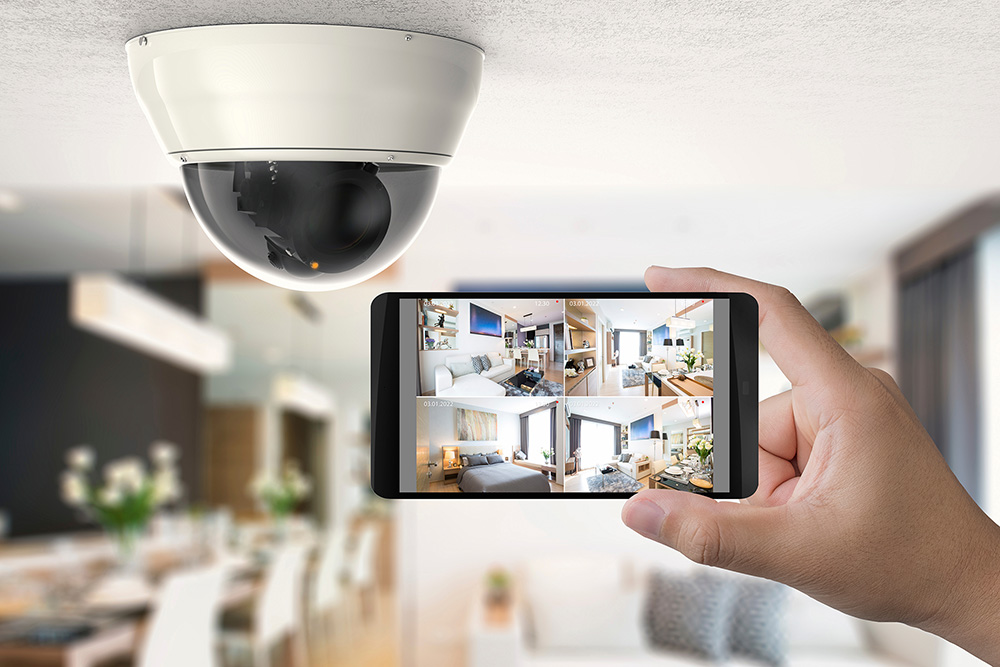
Residential Camera Placement
For homes, the goal is simple: protect entry points, monitor activity, and provide peace of mind without overcomplicating the system.
1. Front Door (Most Important)
- Captures the majority of activity
- Identifies visitors, deliveries, and potential threats
- Ideal height: 7–9 feet, angled slightly downward
- Or doorbell camera to capture entire porch/patio
2. Driveway & Garage
- Monitors vehicles and access points
- Helps identify license plates and movement patterns
3. Backyard / Secondary Entrances
- Covers less visible entry points
- Critical for sliding doors and walk-out basements
- Pools and Trampolines
- Gates
4. Side Yards & Blind Spots
- Tracks movement around the perimeter
- Helps connect activity between cameras
Residential Camera & Security System Options
Ubiquiti UniFi Protect
Pros:
- Clean, professional interface
- No monthly subscription fees
- Excellent integration with networking
Cons:
- Requires dedicated hardware
- Closed ecosystem
Best Fit:
Tech-forward homes that want performance and control.
IC Realtime
Pros:
- Cost-effective
- Wide range of camera options
Cons:
- Less refined app experience
- More complex setup
Best Fit:
Straightforward residential installs or budget-conscious projects.
Ring & SimpliSafe
Not every home needs a fully integrated system. For smaller homes or clients looking for a DIY approach, platforms like Ring and SimpliSafe are common.
Ring Security
Pros:
- Wide range of cameras, doorbells, and accessories
- Strong video features and customization
- Lower monthly monitoring costs compared to competitors
- Deep integration with Amazon Alexa ecosystem
Cons:
- Requires subscriptions for full functionality (recording, remote control)
- Limited integration outside the Amazon ecosystem
- Past privacy concerns and security scrutiny
Best Fit:
Ring is for clients who want a camera-first system with strong app control and flexibility.
SimpliSafe Security
Pros:
- Extremely easy DIY installation
- Strong alarm system with sensors included in base kits
- Optional professional monitoring with no long-term contracts
- Can function without a subscription (limited features)
Cons:
- Fewer camera options compared to Ring
- Advanced features require higher-tier monitoring plans
- More limited smart home integration overall
Best Fit:
Clients who prioritize alarm systems and simplicity over advanced camera ecosystems.
Ring vs SimpliSafe (Simple Breakdown)
- Ring → Camera-focused, strong video features, better for visual monitoring
- SimpliSafe → Alarm-focused, easier setup, better for whole-home protection
Both systems are:
- DIY-friendly
- Affordable
- Subscription-based for full functionality
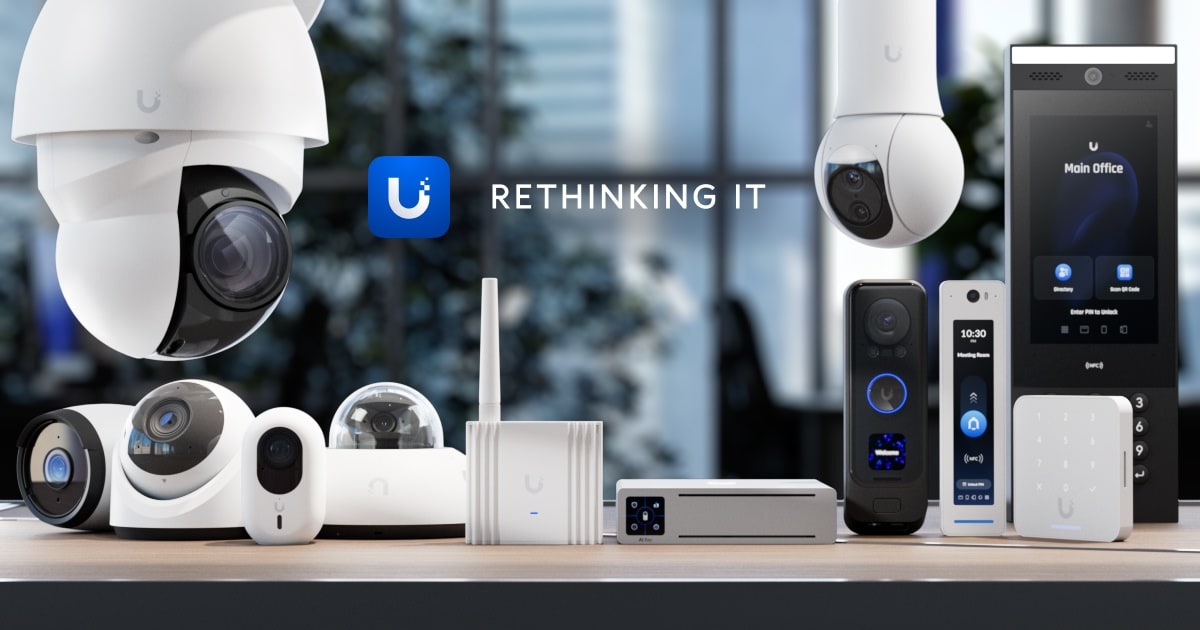
Commercial Camera Placement
For commercial environments, the goal shifts to risk management, liability protection, and operational visibility.
1. Entry & Exit Points
- All public and employee entrances
- Emergency exits
- Loading doors
2. Parking Lots & Exterior Areas
- Wide coverage for vehicles and activity
- Often requires specialized cameras
- Drive-Thrus
- Loading docks
- Gates
3. Reception & Customer Areas
- Front desks
- Retail floors
- Waiting areas
4. Hallways & Traffic Flow
- Tracks movement through the building
- Helps reconstruct events
5. High-Value Areas
- Server rooms
- Storage
- Cash handling
- Patient Records
6. Warehouses & Large Spaces
- Wide-angle or PTZ cameras
- Overhead placement for full visibility
Commercial Camera System Options
Axis Communications
Pros:
- Industry-leading reliability and image quality
- Advanced analytics and AI capabilities
- Open platform for integration
Cons:
- Higher cost
- Requires professional design
Best Fit:
Enterprise and high-security environments.
IC Realtime
Pros:
- Cost-effective scaling
- Reliable for standard surveillance
- Great warranties
Cons:
- Limited advanced analytics
- Less polished software
Best Fit:
Small to mid-sized businesses.
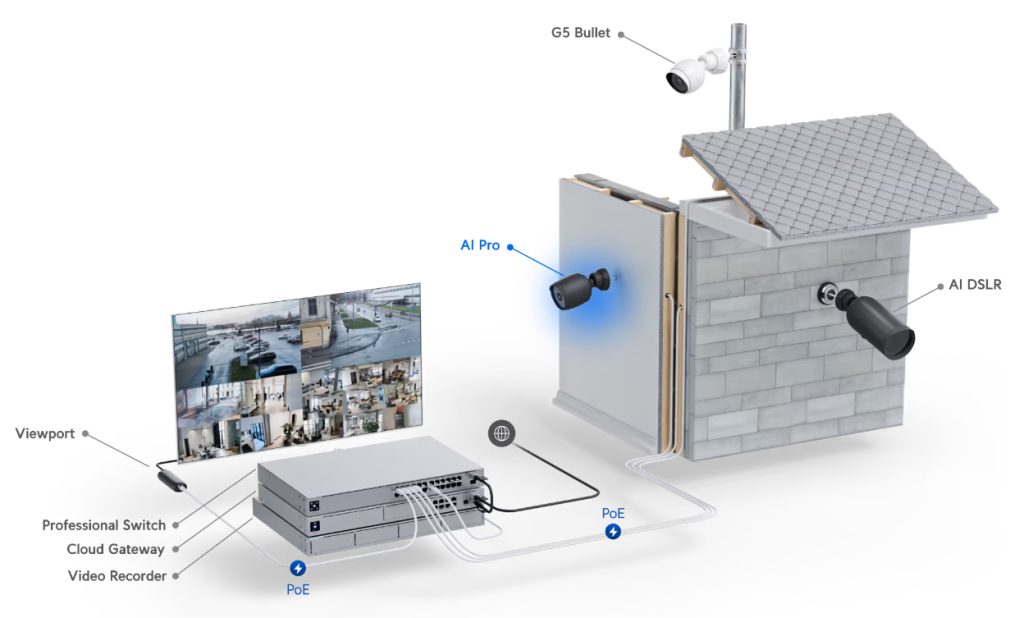
Ubiquiti UniFi Protect
Pros:
- Clean user interface (UI) and remote access
- No recurring licensing fees
- Strong for multi-site setups
Cons:
- Limited enterprise features
- Less third-party integration
Best Fit:
Offices and tech-forward businesses.
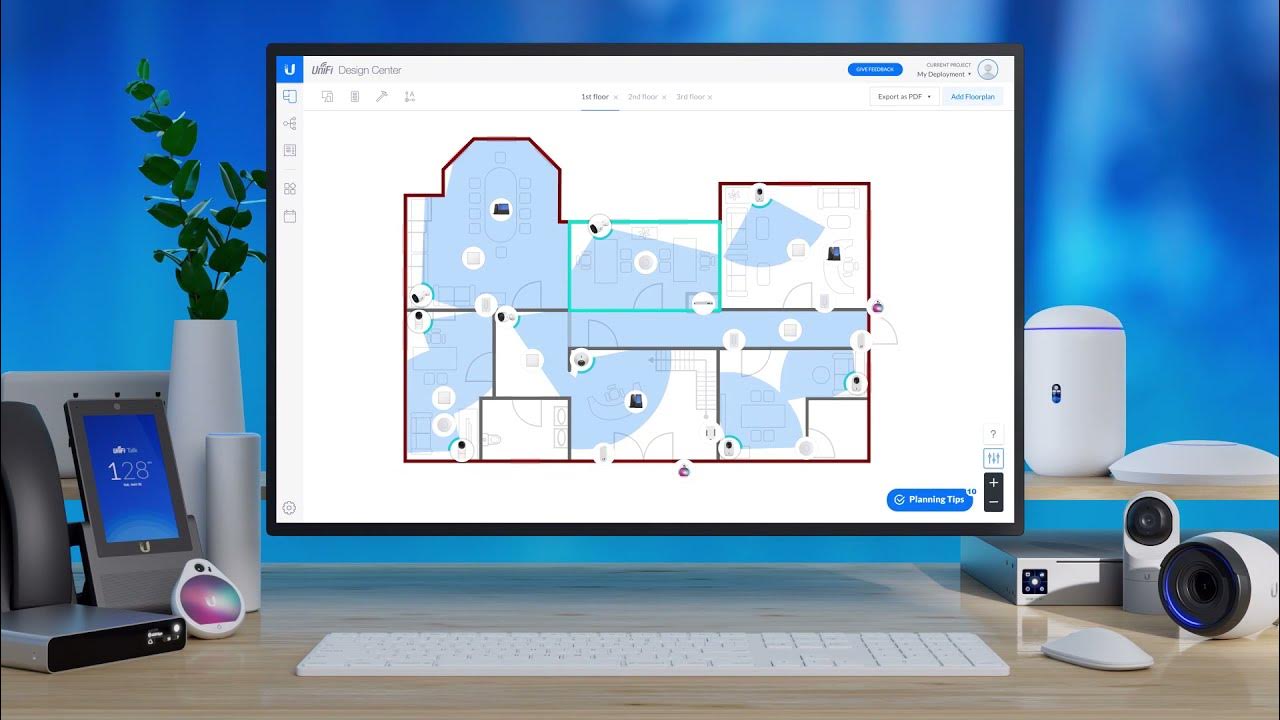
Key Design Principles (Applies to Both)
Cover Entry Points First
If someone can enter unseen, the system has already failed.
Eliminate Blind Spots
Overlap cameras to track movement between zones.
Use the Right Camera Type
Match the camera to the environment—not the other way around.
Plan for Night Performance
Low-light capability matters more than daytime resolution.
Avoid Poor Angles
Backlighting and improper placement reduce usable footage.
The Eco Smart Home Pros Approach
A great camera system isn’t about how many cameras you install; it’s about how well they’re designed.
We focus on:
- Strategic placement
- System reliability
- Clean integration with networks and smart systems
- Scalability for future growth
The difference between having cameras and having real security comes down to design and system choice.
- Homes benefit from simple, strategic coverage—whether professional or DIY
- Businesses require comprehensive visibility and reliability
And regardless of the system—UniFi, IC Realtime, Axis, Ring, or SimpliSafe—the goal is the same:
👉 Capture what matters, when it matters.
That’s where thoughtful design makes all the difference.
Let’s create #ASmarterTomorrow — together.