When you invest in a premium soundbar, you expect cinematic performance; clear dialogue, immersive surround, and powerful bass. Yet one of the most common issues we see at Eco Smart Home Pros isn’t the equipment… it’s how it’s connected.
A soundbar is only as good as the signal it receives. If it’s wired incorrectly, even the best system will underperform.
Let’s walk through the right way to connect a soundbar, using the Sonos Arc Ultra as a real-world example, and then expand into professional-grade home theater solutions.
Why Proper Connection Matters
Modern soundbars rely on advanced audio formats like Dolby Atmos to create a 3D sound experience. These formats require high-bandwidth connections and proper signal routing.
The Sonos Arc Ultra, for example, delivers a full 9.1.4 spatial audio experience—but only when connected correctly via HDMI eARC.
If not:
- You may lose Dolby Atmos entirely
- Audio can downmix to basic surround (5.1 or stereo)
- Lip-sync and control issues can appear
The Correct Way to Connect a Soundbar
1. Always Use HDMI eARC (Not Optical)
Best Practice:
- Connect the soundbar to the TV’s HDMI eARC/ARC port
Why:
- eARC supports high-quality audio formats like Dolby Atmos
- Optical cables do not support full Atmos bandwidth
👉 This is the single most important step.
2. Route All Sources Through the TV (or Properly Designed System)
For most modern smart homes:
- Streaming devices (Apple TV, Roku, etc.) → TV via HDMI
- TV → Soundbar via HDMI eARC
This allows the TV to pass audio to the soundbar correctly.
Key Settings to Configure:
- Enable eARC
- Set audio output to Pass-Through / Bitstream
- Disable unnecessary audio processing on the TV
3. Verify the Audio Format
Even when everything is connected, settings matter.
On systems like Sonos Arc Ultra:
- Use the app to confirm you’re receiving Dolby Atmos
- If it shows “PCM” or “Dolby Digital 5.1,” something is wrong upstream
This is a common issue when:
- Streaming devices override audio settings
- TVs are not set to pass-through
- HDMI cables are not rated for high bandwidth
4. Use the Right HDMI Cables
Not all HDMI cables are equal.
Recommended:
- Ultra High Speed HDMI (48Gbps rated)
This ensures:
- Stable Dolby Atmos playback
- Compatibility with 4K/120Hz video if needed
Example: Sonos Arc Ultra Setup (Done Right)
Here’s the correct real-world setup:
Connections:
- Sonos Arc Ultra → HDMI eARC on TV
- Apple TV / Cable Box → TV HDMI inputs
TV Settings:
- eARC: ON
- Digital Audio Output: Pass-Through
- HDMI Input Format: Bitstream
Result:
- Full Dolby Atmos playback
- Clean control via TV remote
- Seamless integration with smart home systems
Where DIY Falls Short
Soundbars are marketed as “simple,” but real performance depends on system design.
Common mistakes we see:
- Using optical instead of HDMI
- Plugging devices into the soundbar incorrectly
- Misconfigured TV audio settings
- Ignoring room acoustics
Even high-end products can sound average when installed incorrectly.
Stepping Up: Professional Soundbars & Home Theater Systems
For clients looking beyond a single soundbar, the design approach changes.
Premium Soundbar Systems (Enhanced Performance)
Systems like:
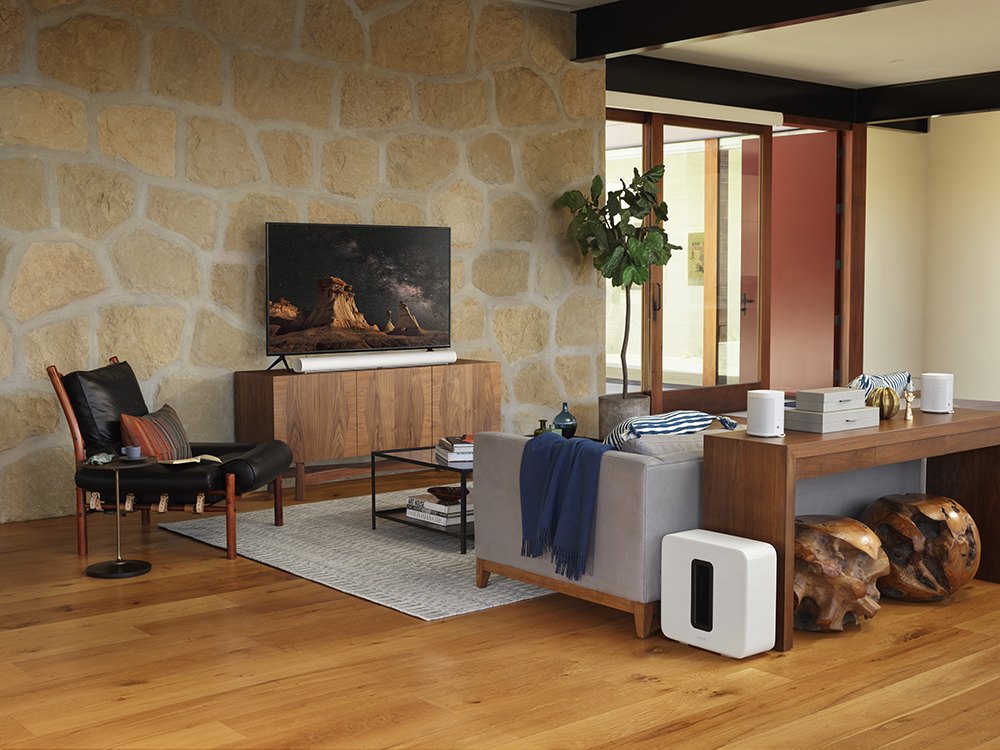
- Sonos with Sub + Era 300 surrounds
- Sony ES soundbars with wireless surrounds
These expand into true surround systems while maintaining a clean, minimalist look.
However, they still rely on:
- Proper HDMI routing
- Network stability
- Correct calibration
True Home Theater (Best Performance)
For dedicated media rooms or high-end homes, soundbars are often replaced with:
- Discrete in-wall/in-ceiling speakers like Origin Acoustics
- Dedicated AV receivers or processors
- Amplification and acoustic tuning
Brands commonly used in professional installs include:
- Sonance
- KEF
- Klipsch
Key Difference:
- Instead of relying on sound reflection (like Atmos soundbars), these systems use true speaker placement for precise audio imaging.
At Eco Smart Home Pros, we don’t just install equipment—we design complete systems.
That means:
- Selecting the right audio solution for the space
- Ensuring proper signal flow from source to speaker
- Calibrating audio for the room
- Integrating everything into a seamless smart home experience
Because great sound isn’t just about the gear—it’s about how everything works together.
A soundbar can deliver an incredible experience—but only when connected correctly.
If there’s one takeaway:
👉 Always use HDMI eARC and verify your audio settings
From there, the difference between “good” and “incredible” comes down to system design.
If you’re planning a new space or upgrading your current setup, getting it right from the start makes all the difference.
Contact Eco Smart Home Pros today to schedule a consultation and discover how a professionally designed audio setup can transform your listening experience.
Let’s create #ASmarterTomorrow — together.